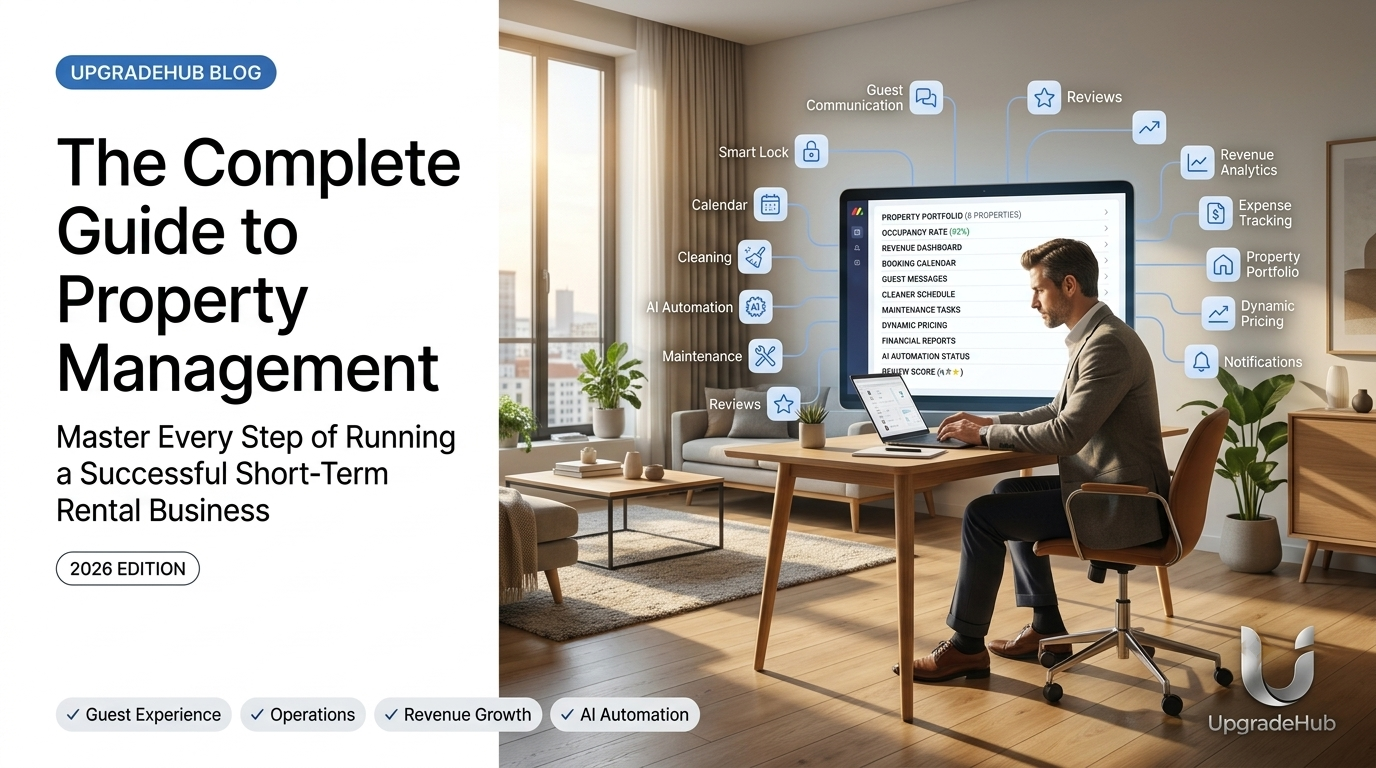
Why Property Management Makes or Breaks Your Success
In the short-term rental industry, your property management system is the difference between stressful chaos and smooth profitability.
Whether you're hosting one property or fifty, having a solid management foundation determines your guest satisfaction scores, revenue per booking, operating costs, scalability potential, and personal sanity.
Here's your complete guide to mastering short-term rental property management in 2026.
Chapter 1: Pre-Booking Management
1.1 Optimizing Your Listing
Your listing is your first impression. Make it count:
Photos that convert:
- Professional quality (or high-end smartphone)
- 15-20 photos minimum
- Show the unique selling points
- Include floor plan if possible
- Highlight outdoor spaces
Descriptions that sell:
- Start with the experience, not the features
- Include local attractions and amenities
- Be honest about potential drawbacks
- Use SEO-friendly keywords
- Tell a story about the stay
Pricing strategy:
- Research competitors daily
- Adjust for seasons and events
- Consider minimum stay requirements
- Use dynamic pricing tools
- Test price changes regularly
1.2 Guest Screening
Pre-booking verification:
- Confirm guest identity
- Check previous reviews
- Communicate house rules clearly
- Set expectations early
- Ask about trip purpose
Red flags to watch for:
- Last-minute bookings with no reviews
- Vague answers about trip purpose
- Asking for discounts before booking
- Reluctance to provide identification
- Unusual group sizes for your property
1.3 Calendar Management
Avoid double bookings:
- Sync across all platforms (Airbnb, VRBO, direct)
- Block time for maintenance
- Set appropriate booking windows
- Adjust availability based on season
- Use channel management software
Smart calendar practices:
- Set proper notice periods (1-2 days minimum)
- Enable instant book with guest requirements
- Create custom booking rules
- Monitor calendar daily
- Update pricing with demand
Chapter 2: Guest Experience Management
2.1 Pre-Arrival Communication
The welcome message:
Subject: Important Information for Your Stay at [Property Name]
Hi [Guest Name],
We're so excited to host you! Here's everything you need to know:
📅 Check-in: [Date/Time] 📍 Address: [Full Address] 🔑 Access: [Door code/instructions] 📶 WiFi: [Network/Password] 📞 Emergency Contact: [Number]
House Rules Reminder:
- Quiet hours: 10pm-8am
- No smoking inside
- [Other important rules]
We've created a guidebook with local recommendations.
Questions? Reply anytime!
Safe travels, [Your Name]
2.2 Check-In Process
Modern check-in solutions:
- Smart locks with unique codes
- Self-check-in with video instructions
- Digital guidebook with photos
- Welcome package (local treats, maps)
- Clear instructions for amenities
Check-in checklist:
- Send access instructions 24 hours before
- Confirm guest arrival time
- Ensure property is ready (clean, stocked)
- Verify smart home systems work
- Send welcome message upon arrival
2.3 During the Stay
Communication frequency:
- First day: "Everything okay? Need anything?"
- Mid-stay: "Loving the property? Any issues?"
- Pre-checkout: "Checkout instructions attached"
Guest support:
- Response time: Under 1 hour
- Common questions prepared
- Local recommendations ready
- Emergency contact available 24/7
- Quick issue resolution process
2.4 Check-Out Management
Check-out instructions:
- Clear list of tasks (start laundry, trash)
- Check-out time (usually 10-11am)
- Lock instructions
- Key return procedure
- Review request with QR code
Post-stay follow-up:
- Thank you message
- Review request within 24 hours
- Ask for direct booking next time
- Request referral if they enjoyed
- Feedback form for improvement
Chapter 3: Operations Management
3.1 Cleaner Coordination
Building a cleaning team:
- Hire vetted professionals
- Provide clear checklists
- Create back-up coverage
- Train on your standards
- Pay competitively
Cleaning checklist:
☐ All surfaces wiped and sanitized ☐ Fresh linens on all beds ☐ New towels in bathrooms ☐ Kitchen stocked with essentials ☐ Trash taken out ☐ Floors mopped/vacuumed ☐ Windows cleaned ☐ Outdoor spaces tidied ☐ Amenities restocked ☐ Photos for quality check
Quality control:
- Random spot checks
- Guest feedback on cleanliness
- Cleaning audit system
- Bonus system for 5-star reviews
- Regular training updates
3.2 Maintenance Management
Preventive maintenance schedule:
- Monthly: HVAC filters, smoke detectors
- Quarterly: Pest control, deep clean
- Bi-annual: Gutters, exterior inspection
- Annual: Professional maintenance check
Common issues and solutions:
HVAC breakdown - Emergency contractor - 2-4 hours Plumbing leak - Plumber on-call - Same day Appliance failure - Replacement plan - Next day WiFi issues - Remote reset - Immediate Pest problem - Quarterly treatment - 24 hours
Vendor management:
- Create approved vendor list
- Negotiate preferred rates
- Set response time expectations
- Track vendor performance
- Build relationships
3.3 Inventory Management
Essential supplies checklist:
- Toilet paper (3-4 rolls/guest)
- Paper towels (1-2 rolls/stay)
- Trash bags (various sizes)
- Dish soap & sponge
- Laundry detergent
- Cleaning supplies
- Shampoo, conditioner, body wash
- First aid kit
Amenities that convert:
- High-speed WiFi
- Smart TV (Netflix/Hulu)
- Quality coffee maker
- Hair dryer
- Iron and ironing board
- Extra blankets and pillows
- Board games/books
- Portable charger
Restocking process:
- Inventory after each checkout
- Maintain minimum stock levels
- Set up automatic deliveries
- Track supply costs per stay
- Optimize for quality vs. cost
Chapter 4: Financial Management
4.1 Expense Tracking
Categories to track:
- Cleaning fees
- Supplies and amenities
- Utilities (electric, water, gas)
- Internet and streaming
- Property taxes
- Insurance
- HOA fees
- Maintenance and repairs
- Marketing costs
- Software subscriptions
Expense management tips:
- Use dedicated business account
- Automate expense categorization
- Keep digital receipts
- Review monthly financials
- Plan for seasonal variations
4.2 Revenue Optimization
Revenue streams to maximize:
- Base nightly rates
- Cleaning fees
- Pet fees
- Extra guest fees
- Early check-in/late checkout
- Local experience partnerships
- Long-term stay discounts
Revenue optimization strategies:
- Implement dynamic pricing
- Offer seasonal promotions
- Create packages (winter getaway)
- Partner with local experiences
- Encourage direct bookings
4.3 Financial Reporting
Reports you need:
- Monthly P&L statement
- Cash flow analysis
- Occupancy rates
- Average daily rate
- Revenue per available room
- Year-over-year comparison
- Tax summary report
Financial tools:
- Accounting software integration
- Automated expense tracking
- Real-time reporting
- Tax preparation assistance
- Profit center analysis
Chapter 5: Technology Management
5.1 Essential Software Stack
Property management systems:
- Channel manager for syncing calendars
- Guest communication automation
- Pricing optimization tools
- Expense tracking software
- Cleaner coordination platform
Smart home technology:
- Smart locks (August, Schlage)
- Smart thermostats (Nest, Ecobee)
- Noise monitors (Minut)
- Smart speakers (for guest use)
- Outdoor security cameras
5.2 Automation for Efficiency
What to automate:
- Guest communication (templates, schedules)
- Pricing adjustments
- Review requests
- Calendar syncing
- Cleaning task assignment
- Expense categorization
Automation tools:
- Zapier for workflow automation
- IFTTT for smart home triggers
- Email automation for guest communication
- SMS automation for check-ins
- Reporting dashboards
5.3 Data Management
Data to collect:
- Guest preferences
- Booking patterns
- Revenue streams
- Expense categories
- Maintenance history
- Review trends
Using data effectively:
- Identify seasonal patterns
- Optimize pricing based on demand
- Improve guest experience
- Reduce operating costs
- Predict maintenance needs
Chapter 6: Scaling Your Business
6.1 When to Scale
Signs you're ready to scale:
- Consistently high occupancy (85%+)
- Positive cash flow for 6+ months
- You've automated key systems
- Guest reviews are consistently 4.8+
- You have a reliable team
6.2 How to Scale Successfully
Scaling strategies:
- Add similar properties in the same area
- Expand to new neighborhoods
- Diversify property types
- Consider long-term rentals
- Build a management company
Scaling pitfalls to avoid:
- Scaling too quickly
- Neglecting quality control
- Underestimating operational complexity
- Not having enough capital
- Losing personal touch
6.3 Building Your Team
Key team members:
- Property manager
- Cleaning team lead
- Maintenance coordinator
- Guest communication specialist
- Marketing person
Outsourcing vs. hiring:
- Virtual assistants for admin
- Local contractors for maintenance
- Professional cleaners for turnovers
- Marketing experts for listings
- Accountant for finances
Chapter 7: Legal and Compliance
7.1 Legal Requirements
Essential legal steps:
- Business license
- Short-term rental permit
- Insurance (liability, property)
- Tax registration
- Contract preparation
Compliance checklist:
- Check local regulations
- Understand zoning laws
- Comply with building codes
- Install required safety equipment
- Maintain proper documentation
7.2 Safety Compliance
Required safety items:
- Smoke detectors (every bedroom)
- Carbon monoxide detectors
- Fire extinguisher
- First aid kit
- Emergency exit plan
- Pool safety (if applicable)
Guest safety:
- Clear emergency procedures
- Contact info displayed
- Safe areas identified
- Security system functioning
- Regular safety inspections
7.3 Tax Compliance
Tax categories:
- Occupancy tax (short-term rental tax)
- Income tax on rental revenue
- Sales tax on supplies
- Property tax (if applicable)
- Payroll tax (if you have staff)
Tax tips:
- Track all deductible expenses
- Maintain separate business accounts
- Work with a tax professional
- File quarterly estimated taxes
- Keep all receipts for 7 years
The 12-Month Property Management Plan
January - Financial Review - Set yearly budget, review expenses February - Marketing - Update listings, create content March - Maintenance - Spring check, HVAC service April - Guest Experience - Review processes, update guidebook May - Pricing Strategy - Summer pricing optimization June - Team Training - Review protocols, training July - Peak Season - Monitor performance, quick response August - Technology - Software updates, new tools September - Off-Season Prep - Lower pricing, promotions October - Financial Review - Year-end planning, tax prep November - Listing Updates - Holiday pricing, seasonal decor December - Review & Plan - Review annual performance, plan next year
FAQ: Short-Term Rental Property Management
What's the most important part of property management? Guest communication. Excellent communication drives 5-star reviews and repeat bookings.
How much time does property management take? With automation: 2-4 hours/week per property. Without automation: 10+ hours/week per property.
What's the biggest mistake new hosts make? Underpricing. Research comparable properties and use dynamic pricing tools.
How do I handle maintenance emergencies? Have a 24/7 on-call vendor list. Budget for emergencies (5% of annual revenue).
Can I manage multiple properties alone? Yes, with proper automation tools. Many hosts manage 5-10 properties with 2-3 hours/day.