How QR Ordering Increases Restaurant Revenue: 5 Proven Strategies for 2026
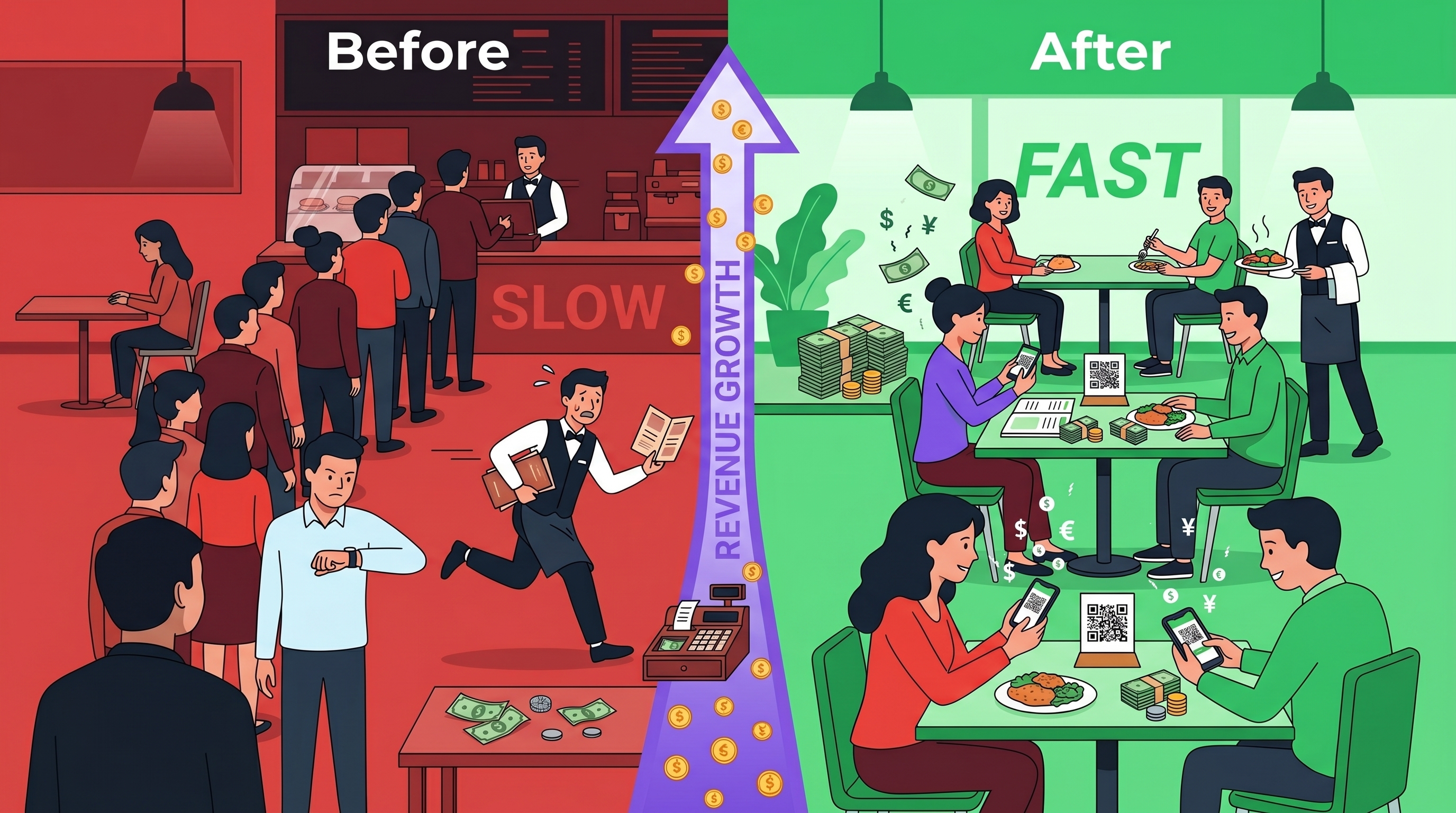
Traditional ordering creates bottlenecks that cost you money. Here are 5 proven ways QR ordering eliminates those bottlenecks and increases your restaurant revenue.
The Hidden Cost of Traditional Ordering
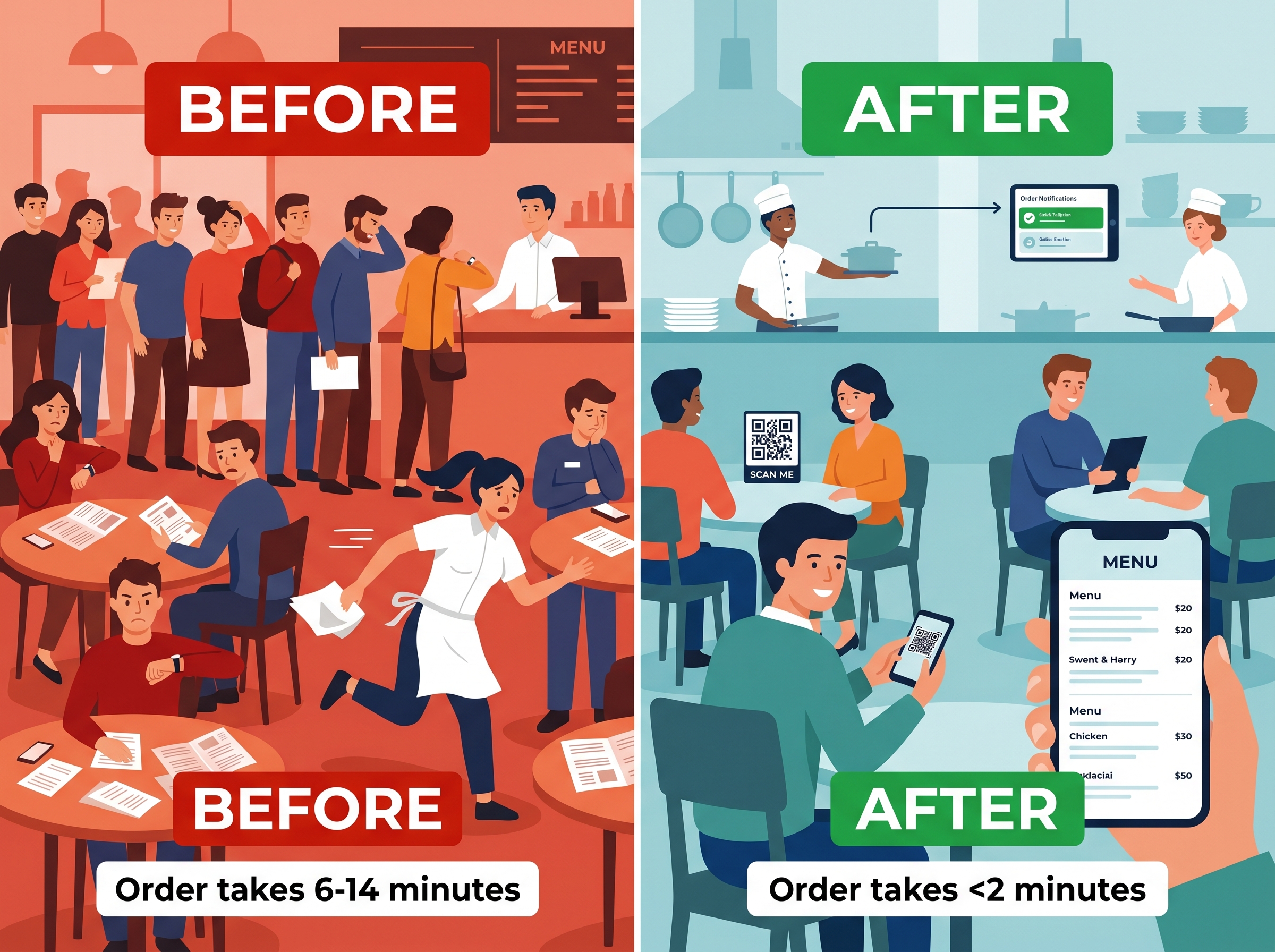
Every restaurant owner knows the pain: long queues during lunch rush, frustrated customers walking out, and staff overwhelmed taking orders.
But here's what most don't realize: traditional ordering creates revenue leaks in 5 specific areas.
This guide shows you exactly where those leaks are and how a QR ordering system fixes each one.
Strategy 1: Increase Average Order Value Through Automated Upselling
The Problem with Traditional Upselling
In traditional service, upselling depends entirely on your staff:
- 🟡 Busy servers forget to upsell
- 🟡 New staff lacks confidence
- 🟡 Inconsistent results
- 🟡 Missed opportunities on every order
How QR Ordering Fixes This
UpgradeHub's automated upselling suggests add-ons with every order:
- ✅ "Add a side of fries?" when ordering a burger
- ✅ "Upgrade to large?" for drinks
- ✅ "Add dessert?" at checkout
Unlike staff, automated upselling never forgets. Every customer sees every suggestion.
The Revenue Impact
| Order Type | Average Value | With Upselling | Increase |
|---|---|---|---|
| Lunch order | €15 | €18 | +€3 |
| Dinner order | €25 | €30 | +€5 |
| Family order | €45 | €54 | +€9 |
For a restaurant serving 100 orders daily, that's €300-500 additional revenue per day.
Strategy 2: Reduce Labor Costs by Eliminating Order-Taking
The Problem with Traditional Staffing
During peak hours, servers spend significant time on order-taking:
- Taking orders: 30-40% of shift
- Running food: 20-25% of shift
- Bussing tables: 15% of shift
- Customer service: 15% of shift
- Side work/prep: 10% of shift
The bottleneck is clear: customers can't order until a server is available.
How QR Ordering Fixes This
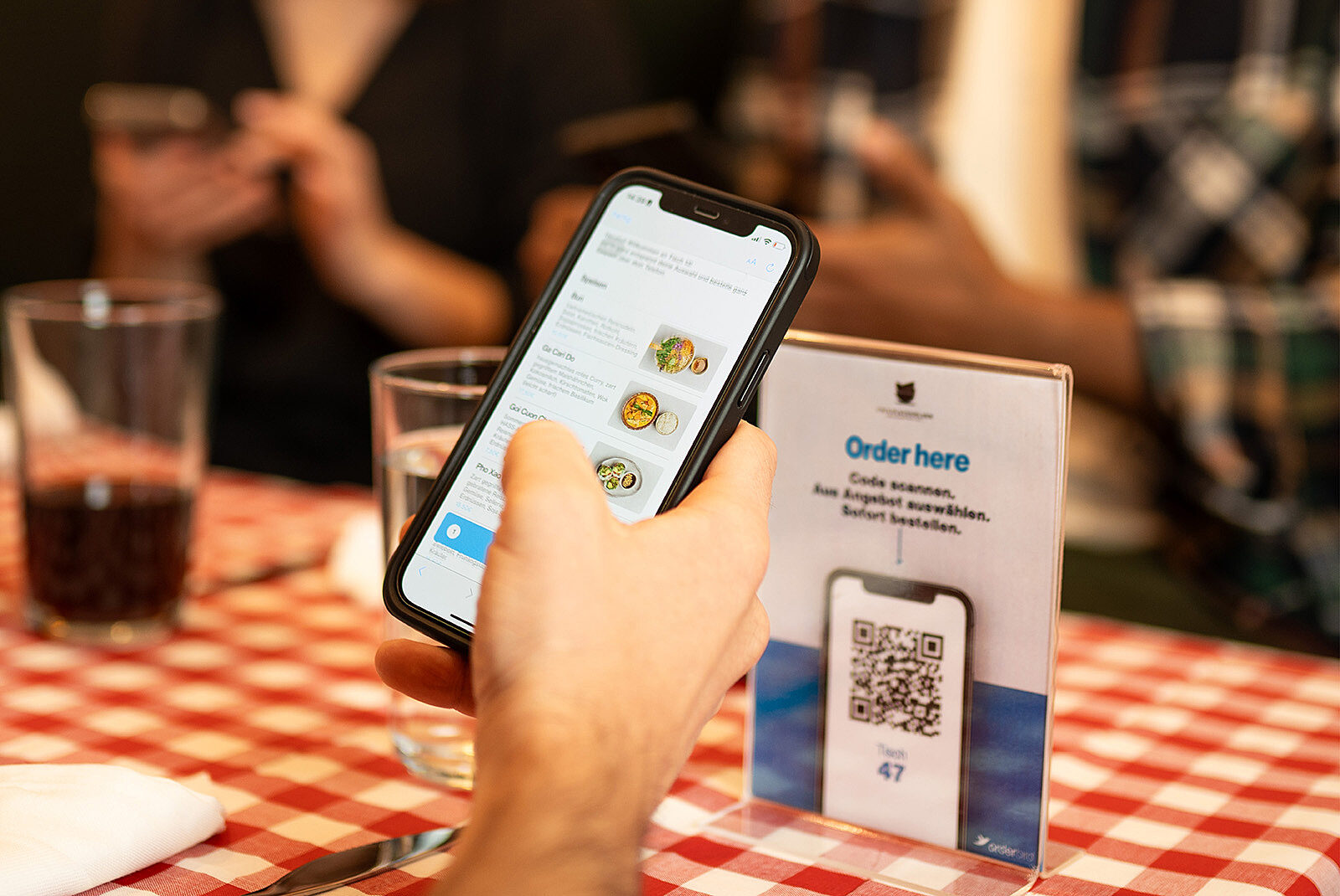
With UpgradeHub, customers order directly from their phone:
- ✅ Orders go instantly to kitchen display
- ✅ No waiting for servers
- ✅ Staff focuses on food delivery and hospitality
The Staffing Math
| Shift | Traditional Servers | With QR Ordering | Monthly Savings |
|---|---|---|---|
| Lunch rush | 4 servers | 2-3 servers | €1,000-2,000 |
| Dinner rush | 5 servers | 3-4 servers | €1,500-2,500 |
| TOTAL | 9 servers | 5-7 servers | €2,500-4,500/month |
Strategy 3: Serve More Customers with Faster Table Turnover
The Problem with Turnaround Time
Traditional table turnover looks like this:
- Customer waits to be greeted: 1-3 minutes
- Server takes order: 2-5 minutes
- Kitchen prepares food: 10-15 minutes
- Customer eats: 20-30 minutes
- Customer waits for check: 3-7 minutes
Total table time: 36-60 minutes
How QR Ordering Fixes This
With UpgradeHub:
- Customer scans QR code instantly
- Browses and orders at own pace
- Orders go directly to kitchen display
- Customer pays from phone
Total table time: 25-40 minutes
The Revenue Impact
| Time Period | Traditional | With QR Ordering | Difference |
|---|---|---|---|
| Per table | 36-60 min | 25-40 min | 11-20 min faster |
| Tables per hour | 1-1.6 | 1.5-2.4 | +0.5-0.8 tables |
| Daily customers (40 seats, 2 turns) | 80 | 110-120 | +30-40 customers |
More customers served = More revenue
Strategy 4: Eliminate Order Errors That Cost Money
The Problem with Manual Order Entry
Order errors create multiple costs:
- ❌ Food waste (remakes cost ingredients)
- ❌ Staff time (re-taking orders)
- ❌ Customer compensation (discounts or free items)
- ❌ Lost repeat business (frustrated customers don't return)
Industry data suggests order error rates of 5-15% during peak hours.
How QR Ordering Fixes This
With UpgradeHub, customers enter their own orders:
- ✅ Exact modifications ("no onions," "extra cheese")
- ✅ Special instructions typed clearly
- ✅ Orders go directly to kitchen display
No miscommunication. No handwriting errors. No verbal mistakes.
The Cost Savings
| Restaurant Size | Daily Orders | Error Rate (Traditional) | Daily Waste | Monthly Waste |
|---|---|---|---|---|
| Small (30 seats) | 50 | 5-10% | €25-50 | €750-1,500 |
| Medium (50 seats) | 100 | 5-10% | €50-100 | €1,500-3,000 |
| Large (80 seats) | 200 | 5-10% | €100-200 | €3,000-6,000 |
QR ordering reduces error waste by 80-90%.
Strategy 5: Capture Customers Who Leave Due to Queues
The Problem with Lost Customers
During peak hours:
- 🟡 Customers wait 5+ minutes before ordering
- 🟡 Some customers leave when queues get long
- 🟡 Others order less (rushed decisions)
- 🟡 Repeat visits decline after negative wait experiences
Every customer who leaves is lost revenue.
How QR Ordering Fixes This
With UpgradeHub:
- ✅ Customers order immediately from their table
- ✅ No queue to wait in
- ✅ No rush to decide
- ✅ Customers browse the full menu
Zero customers lost to waiting.
The Revenue Recovery
| Restaurant Size | Daily Lost Customers (Peak) | Monthly Lost Revenue | Recovered with QR |
|---|---|---|---|
| Small | 5-10 | €1,500-3,000 | €1,500-3,000 |
| Medium | 10-20 | €3,000-6,000 | €3,000-6,000 |
| Large | 20-30 | €6,000-9,000 | €6,000-9,000 |
The Complete Financial Picture
Here's how these 5 strategies combine:
| Strategy | Monthly Impact (Medium Restaurant) |
|---|---|
| Increased AOV | +€3,000-6,000 |
| Reduced labor costs | +€2,500-4,500 |
| More customers served | +€5,000-10,000 |
| Reduced error waste | +€1,500-3,000 |
| Recovered lost customers | +€3,000-6,000 |
| TOTAL POTENTIAL MONTHLY BENEFIT | €15,000-29,500 |
UpgradeHub cost: €29/month
How to Implement QR Ordering in 30 Minutes
Step 1: Sign up for UpgradeHub (2 minutes) Create your account at upgradehub.app. No credit card required.
Step 2: Upload your menu (10 minutes) Add your items, prices, and photos. Our drag-and-drop editor makes it simple.
Step 3: Generate QR codes (1 minute) Download printable QR codes for each table.
Step 4: Train staff (15 minutes) Show staff how to monitor orders on the kitchen display (any tablet or phone works).
Step 5: Go live! Place QR codes on tables and start accepting orders.
Frequently Asked Questions
Q: What about customers without smartphones?
A: Keep a few printed menus and help them traditionally. UpgradeHub works alongside your existing service.
Q: Will my staff resist the change?
A: Most staff appreciate it - they spend less time taking orders and more time on hospitality. We provide free training materials.
Q: How quickly will I see results?
A: Most restaurants see immediate improvements in order speed and customer satisfaction within the first week.
Q: Is there a contract?
A: No. Month-to-month billing. Cancel anytime.
Q: What devices work with UpgradeHub?
A: Any device with an internet connection - phone, tablet, or computer. No special hardware required.
Ready to Increase Your Restaurant Revenue?
Stop losing money to slow ordering and long queues. See UpgradeHub in action.
Get started in 5 minutes. No credit card required. Cancel anytime.
Related Articles:
- QR Ordering vs Traditional Restaurant Service
- 10 Benefits of QR Ordering for Restaurants
- QR Ordering System Cost Analysis
- How to Reduce Restaurant Queues